
Hello world!
Welcome to WordPress. This is your first post. Edit or delete it, then start writing!


Headings Header one Header two Header three Header four Header five Header six Blockquotes Single line blockquote: Stay hungry. Stay foolish. Multi line blockquote with a cite reference: People think focus means saying yes to the thing you’ve got to focus on. But that’s not what it means at all. It means saying no to the hundred other good ideas that there are. You have to pick carefully. I’m actually as proud of the things we haven’t done as the things I have done. Innovation is saying no to 1,000 things. Steve Jobs – Apple Worldwide Developers’ Conference, 1997 Tables Employee Salary John Doe $1 Because that’s all Steve Jobs needed for a salary. Jane Doe $100K For all the blogging she does. Fred Bloggs $100M Pictures are worth a thousand words, right? So Jane x 1,000. Jane Bloggs $100B With hair like that?! Enough said… Definition Lists Definition List Title Definition list division. Startup A startup company or startup is a company or temporary organization designed to search for a repeatable and scalable business model. #dowork Coined by Rob Dyrdek and his personal body guard Christopher “Big Black” Boykins, “Do Work” works as a self motivator, to motivating your friends. Do It Live I’ll let Bill O’Reilly will explain this one. Unordered Lists (Nested) List item one List item one List item one List item two List item three List item four List item two List item three List item four List item two List item three List item four Ordered List (Nested) List item one List item one List item one List item two List item three List item four List item two List item three List item four List item two List item three List item four HTML Tags These supported tags come from the WordPress.com code FAQ. Address Tag 1 Infinite Loop Cupertino, CA 95014 United States Anchor Tag (aka. Link) This is an example of a link. Abbreviation Tag The abbreviation srsly stands for “seriously”. Acronym Tag (deprecated in HTML5) The acronym ftw stands for “for the win”. Big Tag (deprecated in HTML5) These tests are a big deal, but this tag is no longer supported in HTML5. Cite Tag “Code is poetry.” —Automattic Code Tag You will learn later on in these tests that word-wrap: break-word; will be your best friend. Delete Tag This tag will let you strikeout text, but this tag is no longer supported in HTML5 (use the <strike> instead). Emphasize Tag The emphasize tag should italicize text. Insert Tag This tag should denote inserted text. Keyboard Tag This scarcely known tag emulates keyboard text, which is usually styled like the <code> tag. Preformatted Tag This tag styles large blocks of code. .post-title { margin: 0 0 5px; font-weight: bold; font-size: 38px; line-height: 1.2; and here’s a line of some really, really, really, really long text, just to see how the PRE tag handles it and to find out how it overflows; } Quote Tag Developers, developers, developers… –Steve Ballmer Strike Tag (deprecated in HTML5) This tag shows strike-through text Strong Tag This tag shows bold text. Subscript Tag Getting our science styling on with H2O, which should push the “2” down. Superscript Tag Still sticking with science and Isaac Newton’s E = MC2, which should lift the 2 up. Teletype Tag (deprecated in HTML5) This rarely used tag emulates teletype text, which is usually styled like the <code> tag. Variable Tag This allows you to denote variables.
Markup: HTML Tags and Formatting Read More »

Default This is a paragraph. It should not have any alignment of any kind. It should just flow like you would normally expect. Nothing fancy. Just straight up text, free flowing, with love. Completely neutral and not picking a side or sitting on the fence. It just is. It just freaking is. It likes where it is. It does not feel compelled to pick a side. Leave him be. It will just be better that way. Trust me. Left Align This is a paragraph. It is left aligned. Because of this, it is a bit more liberal in it’s views. It’s favorite color is green. Left align tends to be more eco-friendly, but it provides no concrete evidence that it really is. Even though it likes share the wealth evenly, it leaves the equal distribution up to justified alignment. Center Align This is a paragraph. It is center aligned. Center is, but nature, a fence sitter. A flip flopper. It has a difficult time making up its mind. It wants to pick a side. Really, it does. It has the best intentions, but it tends to complicate matters more than help. The best you can do is try to win it over and hope for the best. I hear center align does take bribes. Right Align This is a paragraph. It is right aligned. It is a bit more conservative in it’s views. It’s prefers to not be told what to do or how to do it. Right align totally owns a slew of guns and loves to head to the range for some practice. Which is cool and all. I mean, it’s a pretty good shot from at least four or five football fields away. Dead on. So boss. Justify Align This is a paragraph. It is justify aligned. It gets really mad when people associate it with Justin Timberlake. Typically, justified is pretty straight laced. It likes everything to be in it’s place and not all cattywampus like the rest of the aligns. I am not saying that makes it better than the rest of the aligns, but it does tend to put off more of an elitist attitude.
Markup: Text Alignment Read More »

Phasellus tincidunt faucibus quam, eu bibendu nunc cursus non. Curabitur scelerisque ferm entum orci at egestas. Maecenas viverra nec velit vel aliquam nam tincidunt midolor. Sed vitae lorem in nisl iaculis cursus. Praesent a dui elit. Class aptent taciti sociosqu ad litora torquent per conubia nostra, per inceptos himenaeos. Aliquam erat volutpat. Fusce viverra mauris non libero fermentum, et finibus leo accumsan. Ut non felis egestas, cursus libero ac, interdum ipsum. Praesent maximus imperdiet massa eu tristique. Quisque interdum, leo sit amet condimentum dignissim, ipsum libero faucibus magna, et eleifend leo mi at sapien. Proin et dui mollis, blandit felis dictum, fermentum ante. Pellentesque commodo non odio nec mattis. Maecenas sit amet faucibus augue, eget consectetur lectus. In ornare imperdiet fermentum. Phasellus bibendum eros non sodales posuere. In a ultricies magna.
Integer ut pharetra ligula, sit amet luctus purus. Mauris rutrum neque nec ullamcorper facilisis pulvinar. Nullam quis commodo mi. Aenean luctus diam non semper consectetur. Phasellus erat justo, dictum eget pellentesque at, aliquet a magna. Etiam eget ex tempor, interdum nunc ac, vulputate felis. Phasellus lacus nisl, elementum ac dolor in, semper fermentum quam. Nullam in orci convallis, convallis risus et, mollis ligula. Sed vehicula blandit quam, non placerat diam vulputate non. Nulla dignissim imperdiet lorem, convallis condimentum ipsum consectetur sit amet. Aliquam luctus leo a risus suscipit faucibus. Sed elementum massa sollicitudin tortor facilisis, eget molestie nibh lacinia. Nullam dictum, eros vel pulvinar luctus, mauris libero placerat orci, nec condimentum felis leo sit amet eros. Curabitur venenatis condimentum mauris, tincidunt porttitor purus varius a. Nulla mattis ligula dolor, vitae tempus leo faucibus eget. Fusce dictum, quam eget interdum tincidunt, turpis quam lacinia purus, a pretium enim erat eu sapien. Fusce quis volutpat enim, quis mattis erat. Nulla facilisi. Nulla dapibus nisl a odio hendrerit, sit amet semper ex tristique. Praesent et enim erat. Suspendisse mollis tincidunt bibendum. Integer posuere tortor ac volutpat efficitur. Nunc felis augue, maximus at velit vel, pulvinar bibendum ipsum. Interdum et malesuada fames ac ante ipsum primis in faucibus. Nulla facilisi. Ut vel libero neque.
Aliquam elemen tum massa at placerat elemen tum. Vestibu lum eu luctus turpis. Vivamus dictum ipsum vel ex vehicula, a mollis dolor aliquam varius tellus. Vestibu lum metus nibh, bibendum sed mi ut, scelerisque porta felis. Quisque fermentum et mauris ut condimentum. Quisque eget ante vel ante porta rhoncus ullamcorper vitae diam. Donec egestas gravida purus eu finibus. Proin elementum dictum libero consectetur consequat. Fusce eu diam non nibh eleifend hendrerit at nec mauris. In sodales erat quis imperdiet tempor. Donec lobortis, nisl eu fermentum vestibulum, mi enim condimentum sem, et finibus urna elit vel velit. Duis condimentum risus eu sem consequat, sed varius tellus feugiat. Mauris tristique, quam sed pulvinar elementum, quam libero egestas eros, et bibendum justo justo in erat. In rutrum sollicitudin luctus. Etiam nec diam maximus, rutrum magna eu, maximus augue. Pellentesque sapien sapien, dignissim nec varius non, tincidunt vitae nulla. Sed dictum sapien sit amet felis ornare, eget pulvinar est gravida. In ultrices eleifend malesuada.

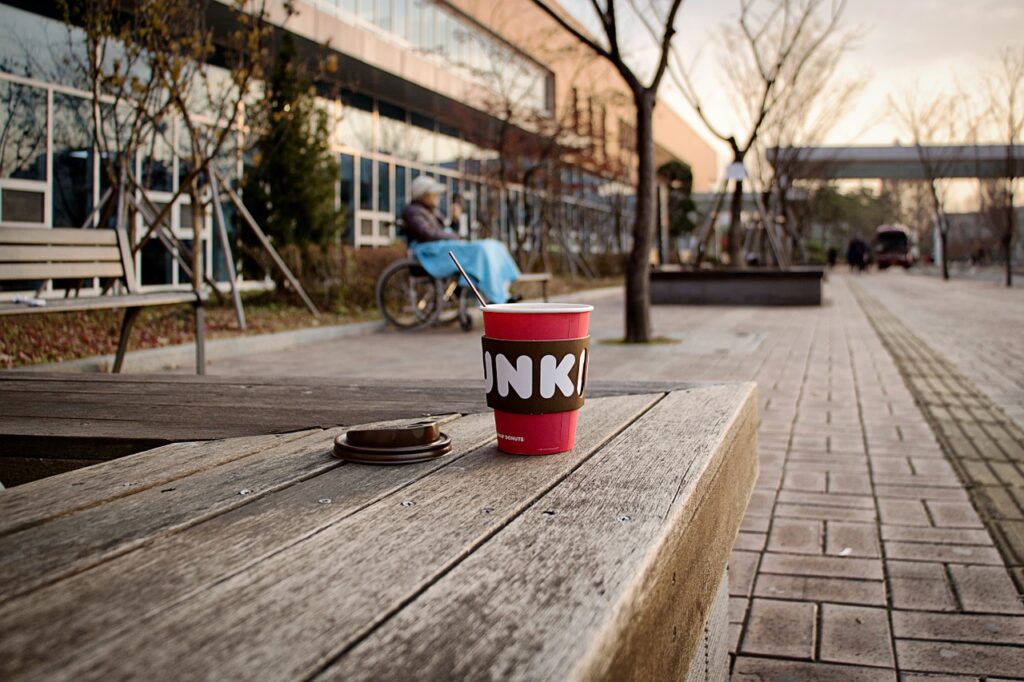
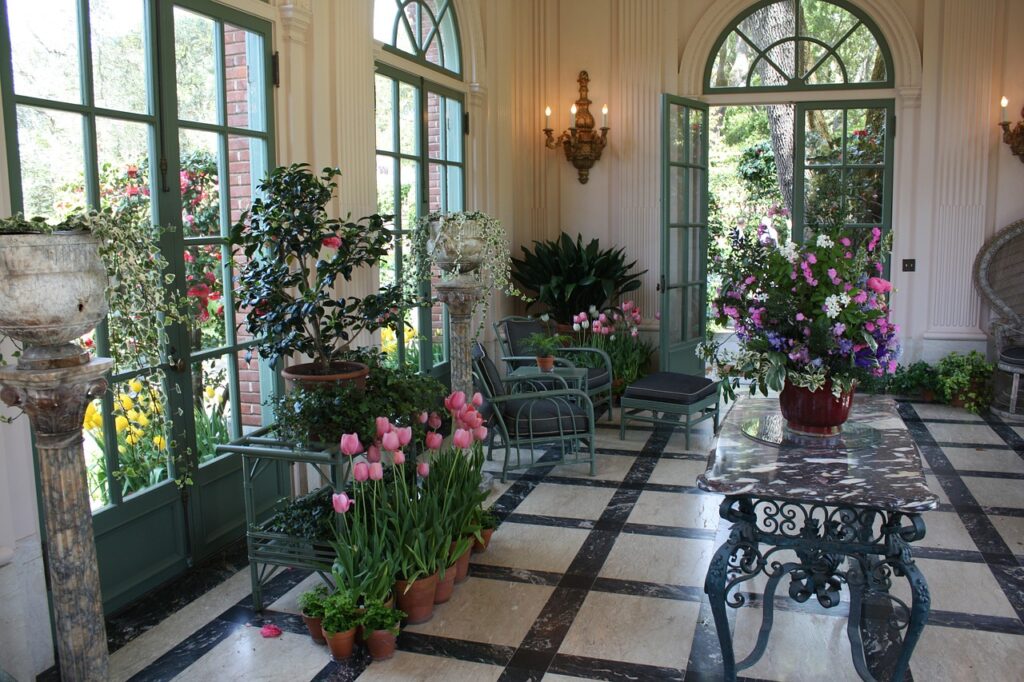
Welcome to image alignment! The best way to demonstrate the ebb and flow of the various image positioning options is to nestle them snuggly among an ocean of words. Grab a paddle and let’s get started. On the topic of alignment, it should be noted that users can choose from the options of None, Left, Right, and Center. In addition, they also get the options of Thumbnail, Medium, Large & Fullsize. The image above happens to be centered. The rest of this paragraph is filler for the sake of seeing the text wrap around the 150×150 image, which is left aligned. As you can see the should be some space above, below, and to the right of the image. The text should not be creeping on the image. Creeping is just not right. Images need breathing room too. Let them speak like you words. Let them do their jobs without any hassle from the text. In about one more sentence here, we’ll see that the text moves from the right of the image down below the image in seamless transition. Again, letting the do it’s thang. Mission accomplished! And now for a massively large image. It also has no alignment. The image above, though 1200px wide, should not overflow the content area. It should remain contained with no visible disruption to the flow of content. And now we’re going to shift things to the right align. Again, there should be plenty of room above, below, and to the left of the image. Just look at him there… Hey guy! Way to rock that right side. I don’t care what the left aligned image says, you look great. Don’t let anyone else tell you differently. In just a bit here, you should see the text start to wrap below the right aligned image and settle in nicely. There should still be plenty of room and everything should be sitting pretty. Yeah… Just like that. It never felt so good to be right. And just when you thought we were done, we’re going to do them all over again with captions! The image above happens to be centered. The caption also has a link in it, just to see if it does anything funky. The rest of this paragraph is filler for the sake of seeing the text wrap around the 150×150 image, which is left aligned. As you can see the should be some space above, below, and to the right of the image. The text should not be creeping on the image. Creeping is just not right. Images need breathing room too. Let them speak like you words. Let them do their jobs without any hassle from the text. In about one more sentence here, we’ll see that the text moves from the right of the image down below the image in seamless transition. Again, letting the do it’s thang. Mission accomplished! And now for a massively large image. It also has no alignment. The image above, though 1200px wide, should not overflow the content area. It should remain contained with no visible disruption to the flow of content. And now we’re going to shift things to the right align. Again, there should be plenty of room above, below, and to the left of the image. Just look at him there… Hey guy! Way to rock that right side. I don’t care what the left aligned image says, you look great. Don’t let anyone else tell you differently. In just a bit here, you should see the text start to wrap below the right aligned image and settle in nicely. There should still be plenty of room and everything should be sitting pretty. Yeah… Just like that. It never felt so good to be right. And that’s a wrap, yo! You survived the tumultuous waters of alignment. Image alignment achievement unlocked!
Markup: Image Alignment Read More »